
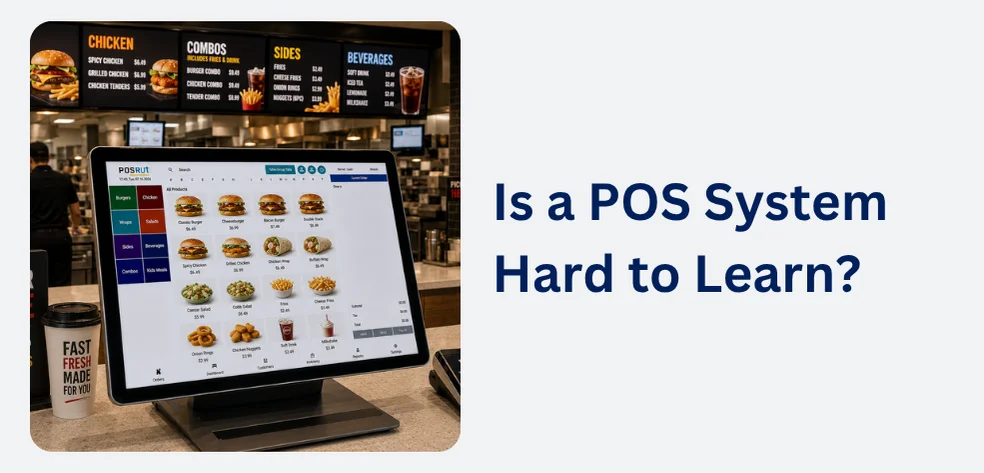
No, most modern POS systems are designed to be easy to learn, and many staff members can perform basic sales transactions after just a short introduction or a few hours of practice.
Today’s POS systems are built with simple touchscreen interfaces, clear menus, and guided workflows that make daily tasks straightforward. Most employees only need to learn the functions they use regularly, such as processing sales, taking payments, and printing receipts.
How Long Does It Take to Learn a POS System?
The learning time depends on the type of business and the features being used.
For many retail stores and cafes, staff can usually learn basic tasks within a few hours. More advanced features, such as inventory management, reporting, or menu updates, may take a little longer and are often handled by managers rather than every employee.
Many POS providers also offer training videos, user guides, and customer support to help businesses get started.
What Makes a POS System Easy to Use?
Modern POS systems like POSApt are designed to simplify everyday operations. Common features that improve usability include:
- Touchscreen navigation
- Large, clearly labelled buttons
- Simple product search
- Barcode scanning
- Automatic tax calculations
- Guided payment process
- Easy receipt printing
- Clear error messages
These features reduce mistakes and help staff work confidently, even during busy periods.
Which Features Require More Training?
While processing sales is usually simple, some management features may require additional training. These include:
- Adding or editing products
- Managing inventory
- Creating promotions or discounts
- Running sales reports
- Managing staff permissions
- Setting up online ordering or integrations
These tasks are generally completed by business owners or managers rather than front-line staff.
Can New Employees Learn Quickly?
Yes. Most new employees become comfortable using a POS system after a short period of practice. Because the software guides users through each step, staff can quickly build confidence with everyday tasks such as taking orders, accepting payments, and issuing refunds.
Businesses can also speed up training by creating simple procedures for opening the register, processing transactions, and closing at the end of the day.
Choosing an Easy-to-Learn POS System
When comparing POS systems, look for software with:
- A clean and simple interface
- Fast checkout process
- Easy product management
- Reliable customer support
- Training resources and documentation
- Regular software updates
Testing a free demo can also help you decide whether the system is suitable for your business and your staff.
Final Thoughts
Learning a POS system is usually much easier than many business owners expect. Most modern systems are designed for quick training, simple daily operation, and minimal technical knowledge. Choosing user-friendly software can reduce staff training time, improve checkout speed, and help your business operate more efficiently.


